Coming at you with another set of fonts, this time the font from MW2/MW3 "Bank Gothic". I included both versions of B.G.: dark and light.
---------- DARK ----------
---------- LIGHT ----------
Installation Instructions:
Code Snippet
Plaintext
1) Navigate to your WaW folder, raw/english/fonts/ rename the folder to fonts_backup
2) Create a folder called fonts and place the files inside generated inside that folder
3) Navigate to your mods folder, mods/modname/images/ place the image "gamefonts_pc.iwi" inside it
4) Check the image gamefonts_pc.iwi inside IWD List in Launcher
5) Add this in your mod.csv:
font,fonts/bigFont,,
font,fonts/boldFont,,
font,fonts/consoleFont,,
font,fonts/extraBigFont,,
font,fonts/normalFont,,
font,fonts/objectiveFont,,
font,fonts/smallFont,,
6) Compile IWD and mod.ff
The round number is cut off slightly on any custom font I use, anything I can do about this? I can only see like 1mm of the left 1 on round 11
_zombiemode.gsc level.chalk_hud1 = create_chalk_hud(); Either pass something like 10 as a parameter for chalk_hud1 or modify the if block inside the func (it'd be better if you passed a parameter). i.e. level.chalk_hud1 = create_chalk_hud(10);
I put 10 in those brackets like in your example and the round number is still cut off, about 1/4 of the ammo counter is also cut off the bottom after installing a font.
If it cant be fixed its not a problem, just a minor annoyance. thanks for your help so far
I put 10 in those brackets like in your example and the round number is still cut off, about 1/4 of the ammo counter is also cut off the bottom after installing a font.
If it cant be fixed its not a problem, just a minor annoyance. thanks for your help so far
My fault I gave the wrong info. Anyway this is what you do revert that change Find this:
Things to do before you can say that you remaster anything: 1. To know exactly wich means "To Remaster" 2. To have the master (the original or original files) 3. Be sure that you really are improving the original, in the case of a videogame level, be sure the textures and fx's at least receive some kind of improve. Otherwise you only use a tag, a fake tag.
Very well explained the instructions and it is very nice to see a different font than the stock font but I had some problems with the font: in the ammo counter the last number of mag and the first number of total ammo are totally stuck. I had the same problem reported after round 10 but I didnt understand correctly the fixes, sorry in this code
but exactly where would be the correct place that you must add the code? I am very noob in script and I had bad experience improvising in the scripts and the final problem is in the scoreboard kills and headshots are stuck. Thank you for your work.
Very well explained the instructions and it is very nice to see a different font than the stock font but I had some problems with the font: (Image removed from quote.) in the ammo counter the last number of mag and the first number of total ammo are totally stuck. I had the same problem reported after round 10 but I didnt understand correctly the fixes, sorry in this code
but exactly where would be the correct place that you must add the code? I am very noob in script and I had bad experience improvising in the scripts and the final problem is in the scoreboard (Image removed from quote.) kills and headshots are stuck. Thank you for your work.
For that you'll have to mess with the menufile for it. I think that's JR-Imagine's HUD right? In any case it's going to take a bit of messing with as this: AMMO | STOCK is handled by an ownerdraw and not split apart. I do remember that messing with the 3rd parameter of rect of that itemDef did space it out I think, don't recall for sure I'll have to mess with it again myself. I'll get back to you real quick.
Edit: Okay yeah so you can space out the text by the 3rd parameter of rect like I thought. So look for something that's similar to that or more specifically ownerdraw CG_PLAYER_AMMO_VALUE or ownerdraw 5 (5 = CG_PLAYER_AMMO_VALUE) And once you do in that itemDef {} block change the 3rd parameters value (increasing) and it'll space it out.
Edit 2: Sadly the scoreboard thing you can't modify I could try figuring out the font and remaking this entire font thing to work a bit better but I won't do that now.
Last Edit: March 23, 2015, 04:10:45 am by DidUknowiPwn


 Reply
Reply DidUknowiPwn
  Los Angeles, CA














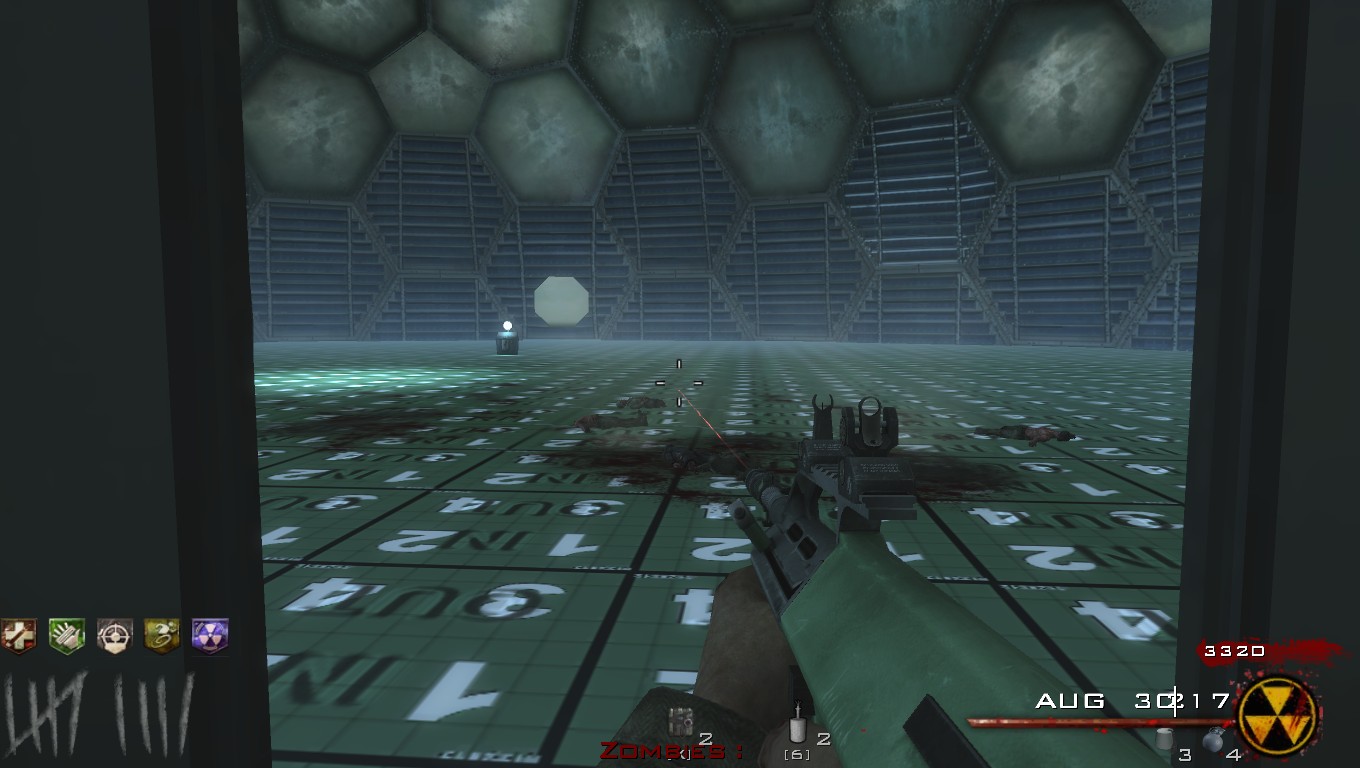


 I could try figuring out the font and remaking this entire font thing to work a bit better but I won't do that now.

 Bilbao
 East Midlands
 Somwhere