UGX-Mods Login

or login with an authentication provider below
Sign In with Google
Sign In with Twitter
Sign In with Discord
Sign In with Steam
Sign In with Facebook
Sign In with Twitch

Partially floating or needs to be aligned error

broken avatar :(
Created 12 years ago
by FreeFall
0 Members and 1 Guest are viewing this topic.
4,019 views
broken avatar :(
×
broken avatar :(
Location: usCalifornia
Date Registered: 24 June 2014
Last active: 7 years ago
Posts
212
Respect
Forum Rank
Mr. Elemental
Primary Group
Member
My Contact & Social Links
More
×
FreeFall's Groups
FreeFall's Contact & Social LinksFreeFall115freefall1151joebob59
So I'm trying to test my Dome remake map and I keep getting this error about "Partially floating or needs to be aligned" and it wont let me run my map either

Ive also tried to Lmap everything but it still gives me this error

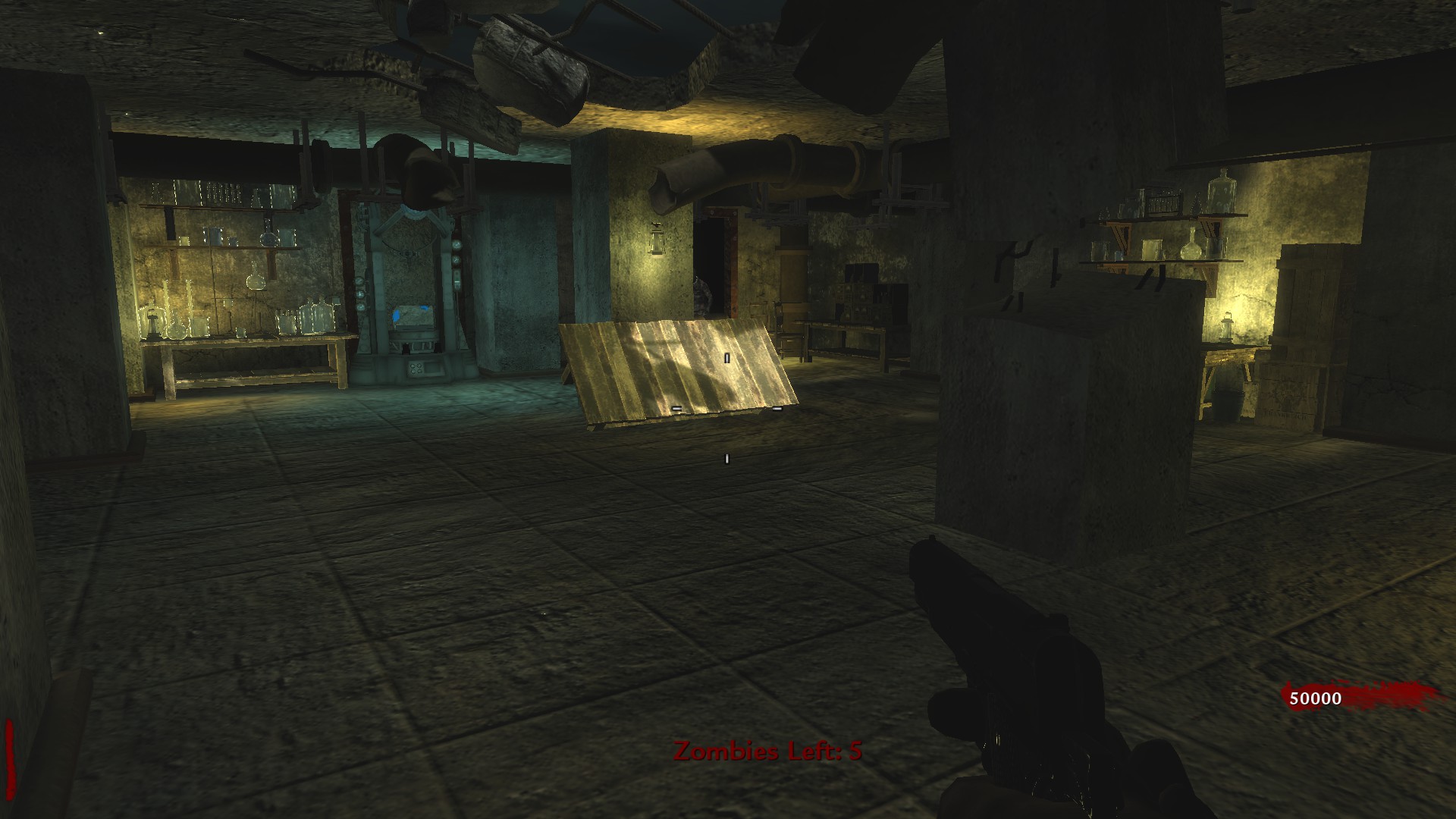
Here's what it looks like:
Last Edit: July 11, 2014, 11:41:14 pm by FreeFall
This topic contains a post which is marked as the Best Answer. Click here to view it.
broken avatar :(
×
broken avatar :(
Location: us
Date Registered: 14 September 2013
Last active: 6 years ago
Posts
1,895
Respect
Forum Rank
Zombie Destroyer
Primary Group
Scripter
My Groups
More
My Contact & Social Links
More
Personal Quote
BE ORIGINAL
Signature
×
MakeCents's Groups
Mapper Has released one or more maps to the UGX-Mods community.
Scripter Has shown effort and knowledge in the area of scripting while being a part of the UGX-Mods community.
BO3 Modtools Alpha
BO3 Modtools Alpha
This user has access to the Black Ops 3 Modtools Alpha
So I'm trying to test my Dome remake map and I keep getting this error about "Partially floating or needs to be aligned" and it wont let me run my map either

Ive also tried to Lmap everything but it still gives me this error

Here's what it looks like:
(Image removed from quote.)

Have you tried making the brushes in question detail brushes? Sounds like they may not be required to be structural brushes.
broken avatar :(
×
broken avatar :(
The Voice in your Eyes
Location: deBavaria
Date Registered: 26 June 2013
Last active: 4 years ago
Posts
830
Respect
Forum Rank
The Decider
Primary Group
Mapper
My Groups
More
My Contact & Social Links
More
Personal Quote
Breton boys do what Breton boys do.
×
Alerion's Groups
Donator ♥ Benevolent Soul who has our eternal gratitude and exclusive access to betas and the donator section of the forum.
Mapper Has released one or more maps to the UGX-Mods community.
you could also try pressing shift + L. You will see your textures as grey and white squares, there you can set every texture which seems odd or stretched to "Lmap".
(this will not affect the actual appearance of your textures)
broken avatar :(
×
broken avatar :(
Location: usCalifornia
Date Registered: 24 June 2014
Last active: 7 years ago
Posts
212
Respect
Forum Rank
Mr. Elemental
Primary Group
Member
My Contact & Social Links
More
×
FreeFall's Groups
FreeFall's Contact & Social LinksFreeFall115freefall1151joebob59
Have you tried making the brushes in question detail brushes? Sounds like they may not be required to be structural brushes.
How would I do that?

Post Merge: July 11, 2014, 09:15:31 pm
you could also try pressing shift + L. You will see your textures as grey and white squares, there you can set every texture which seems odd or stretched to "Lmap".
(this will not affect the actual appearance of your textures)
So I pressed shift+l, then selected the textures , then pressed S then Lmap, but still same error
Last Edit: July 11, 2014, 09:15:32 pm by FreeFall
broken avatar :(
×
broken avatar :(
The Voice in your Eyes
Location: deBavaria
Date Registered: 26 June 2013
Last active: 4 years ago
Posts
830
Respect
Forum Rank
The Decider
Primary Group
Mapper
My Groups
More
My Contact & Social Links
More
Personal Quote
Breton boys do what Breton boys do.
×
Alerion's Groups
Donator ♥ Benevolent Soul who has our eternal gratitude and exclusive access to betas and the donator section of the forum.
Mapper Has released one or more maps to the UGX-Mods community.
It was worth a try though.

You can make them detail by selecting them and right-clicking them in the 2D-view. There are possibilities like "make non-colliding" and "make detail" if you want to undo any of these just click "make strictural".
broken avatar :(
×
broken avatar :(
Location: usCalifornia
Date Registered: 24 June 2014
Last active: 7 years ago
Posts
212
Respect
Forum Rank
Mr. Elemental
Primary Group
Member
My Contact & Social Links
More
×
FreeFall's Groups
FreeFall's Contact & Social LinksFreeFall115freefall1151joebob59
It was worth a try though.

You can make them detail by selecting them and right-clicking them in the 2D-view. There are possibilities like "make non-colliding" and "make detail" if you want to undo any of these just click "make strictural".

Thanks for trying to help, but no matter what I try, I still get the same error and I don't want to have to cancel this map  :'(
broken avatar :(
×
broken avatar :(
The Voice in your Eyes
Location: deBavaria
Date Registered: 26 June 2013
Last active: 4 years ago
Posts
830
Respect
Forum Rank
The Decider
Primary Group
Mapper
My Groups
More
My Contact & Social Links
More
Personal Quote
Breton boys do what Breton boys do.
×
Alerion's Groups
Donator ♥ Benevolent Soul who has our eternal gratitude and exclusive access to betas and the donator section of the forum.
Mapper Has released one or more maps to the UGX-Mods community.
Don't worry, I'm sure it's something simple. We just have to find it ;)
broken avatar :(
×
broken avatar :(
Location: usbuffalo
Date Registered: 16 August 2013
Last active: 5 months ago
Posts
927
Respect
Forum Rank
The Decider
Primary Group
Mapper
My Groups
More
My Contact & Social Links
More
Personal Quote
Giggity.
Signature
maps:
Undead Town
http://ugx-mods.com/forum/index.php?topic=2294.0 (Release)
Origins 1922
http://ugx-mods.com/forum/index.php?topic=2659.0
[WIP] mapping 39%, weapons 85%, scripts 65%
[/url]
×
RamboBadass's Groups
Donator ♥ Benevolent Soul who has our eternal gratitude and exclusive access to betas and the donator section of the forum.
Mapper Has released one or more maps to the UGX-Mods community.
RamboBadass's Contact & Social LinksRamboDaGreatAsk merambobadass
this wont cause the map to not load but still annoying
broken avatar :(
×
broken avatar :(
Location: usCalifornia
Date Registered: 24 June 2014
Last active: 7 years ago
Posts
212
Respect
Forum Rank
Mr. Elemental
Primary Group
Member
My Contact & Social Links
More
×
FreeFall's Groups
FreeFall's Contact & Social LinksFreeFall115freefall1151joebob59
this wont cause the map to not load but still annoying
I was able to run my map before this error, but since I got this error I haven't been able to run it at all, or maybe its another error.

and when I mean I cant run it I mean that when I type in: devmap nazi_zombie_dome it wont do anything at all.

Post Merge: July 11, 2014, 11:12:37 pm
Here's all the errors it gives me maybe its of these?


Last Edit: July 11, 2014, 11:43:06 pm by FreeFall
broken avatar :(
×
broken avatar :(
Location: usbuffalo
Date Registered: 16 August 2013
Last active: 5 months ago
Posts
927
Respect
Forum Rank
The Decider
Primary Group
Mapper
My Groups
More
My Contact & Social Links
More
Personal Quote
Giggity.
×
RamboBadass's Groups
Donator ♥ Benevolent Soul who has our eternal gratitude and exclusive access to betas and the donator section of the forum.
Mapper Has released one or more maps to the UGX-Mods community.
RamboBadass's Contact & Social LinksRamboDaGreatAsk merambobadass
Well its something to do with the bottom two errors but what exactly I donno.... I had 100s of "floating textures" in undead town played just fine maybe Trem will have a idea
Marked as best answer by FreeFall 12 years ago
broken avatar :(
×
broken avatar :(
Location: us
Date Registered: 21 March 2014
Last active: 9 months ago
Posts
227
Respect
Forum Rank
Mr. Elemental
Primary Group
Member
My Contact & Social Links
More
Personal Quote
I the Mighty
×
ConvictioNDR's Groups
I've never had the floating error cause the map to not run.
The last error shown there is a RAM error. You need to close out some programs when you compile.
If it's not doing anything at all when you try to launch it make sure there is no typos. Also in compiling the map make sure mod specific map is checked and you have the correct mod selected in the drop down list.
broken avatar :(
×
broken avatar :(
Location: usCalifornia
Date Registered: 24 June 2014
Last active: 7 years ago
Posts
212
Respect
Forum Rank
Mr. Elemental
Primary Group
Member
My Contact & Social Links
More
×
FreeFall's Groups
FreeFall's Contact & Social LinksFreeFall115freefall1151joebob59
I've never had the floating error cause the map to not run.
The last error shown there is a RAM error. You need to close out some programs when you compile.
If it's not doing anything at all when you try to launch it make sure there is no typos. Also in compiling the map make sure mod specific map is checked and you have the correct mod selected in the drop down list.

1.Strangely enough when launcher is the only program open it still gives me the error of:
-unrecoverable error: exe_error_hunk_alloc_failed256

2. There are no typos in the console

3. Mod specific map is checked and the correct mod is selected

Still won't let me run my map please help!


Post Merge: July 12, 2014, 06:24:13 pm
Never mind my last post I guess the solution was to restart my PC and no programs open :D
Last Edit: July 12, 2014, 06:24:13 pm by FreeFall

 
Loading ...