UGX-Mods Login

or login with an authentication provider below
Sign In with Google
Sign In with Twitter
Sign In with Discord
Sign In with Steam
Sign In with Facebook
Sign In with Twitch

Elite Mapper Advice Needed

broken avatar :(
Created 12 years ago
by RonanMerriman
0 Members and 1 Guest are viewing this topic.
1,810 views
broken avatar :(
×
broken avatar :(
Location: ie
Date Registered: 20 July 2013
Last active: 7 years ago
Posts
283
Respect
Forum Rank
Mr. Elemental
Primary Group
Member
My Contact & Social Links
More
Personal Quote
Pro Mapper in Training
Signature
Firestorm - Releasing June 2019 :troll: | http://ugx-mods.com/forum/index.php?topic=1439.0
×
RonanMerriman's Groups
RonanMerriman's Contact & Social Linksmerrimand8ronan_merrimanmerrimand8
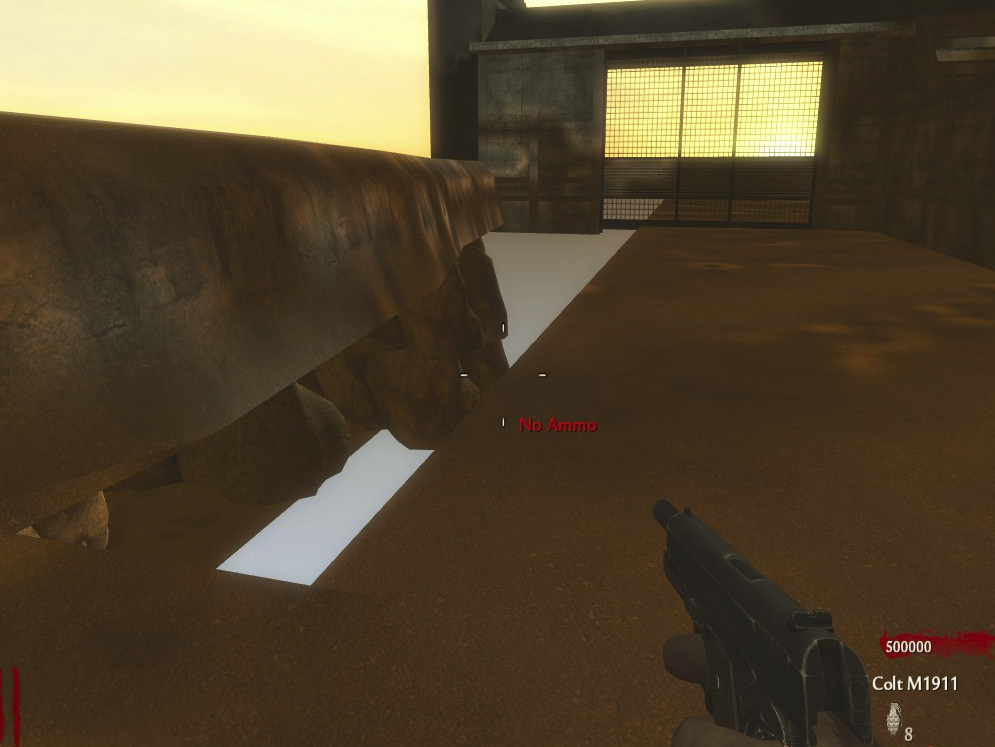
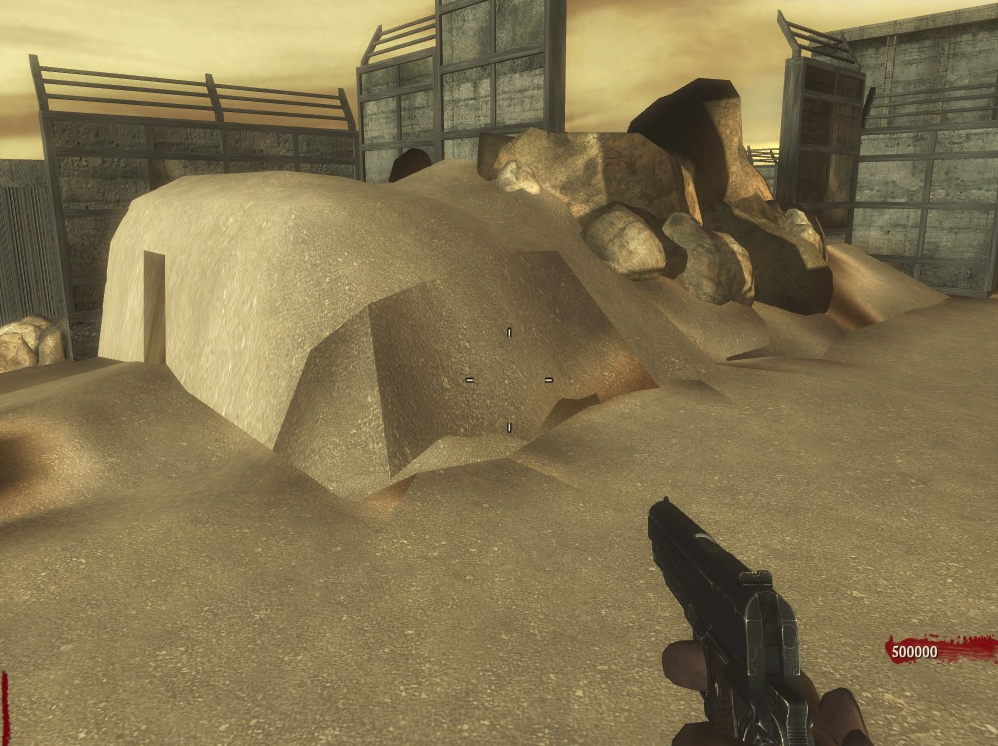
Hey, I need some elite mapping help here. Is there anyone who knows how to stop terrain patches being fuck ugly in game.

Example:

Spoiler: click to open...

(There's only one patch there in radiant BTW)

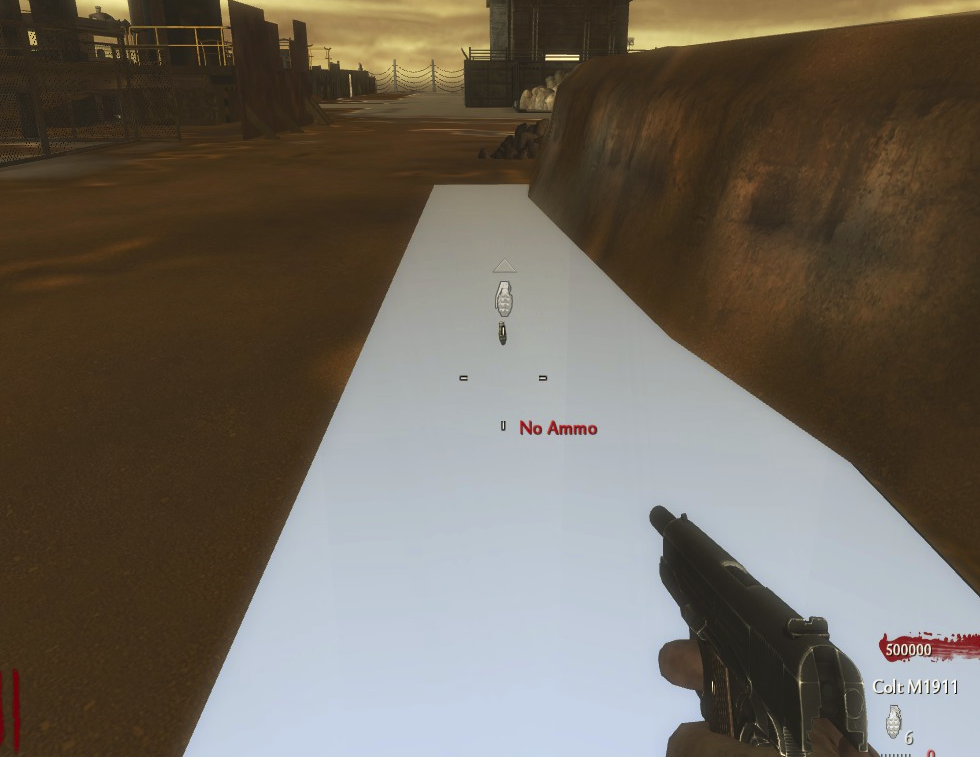
Another thing is that some terrain patches decide to turn invisible too.

Example: 

Spoiler: click to open...


I know it's there so don't think I deleted it!


I would really appreciate some advice or fix or something of the sort.

-Ronan

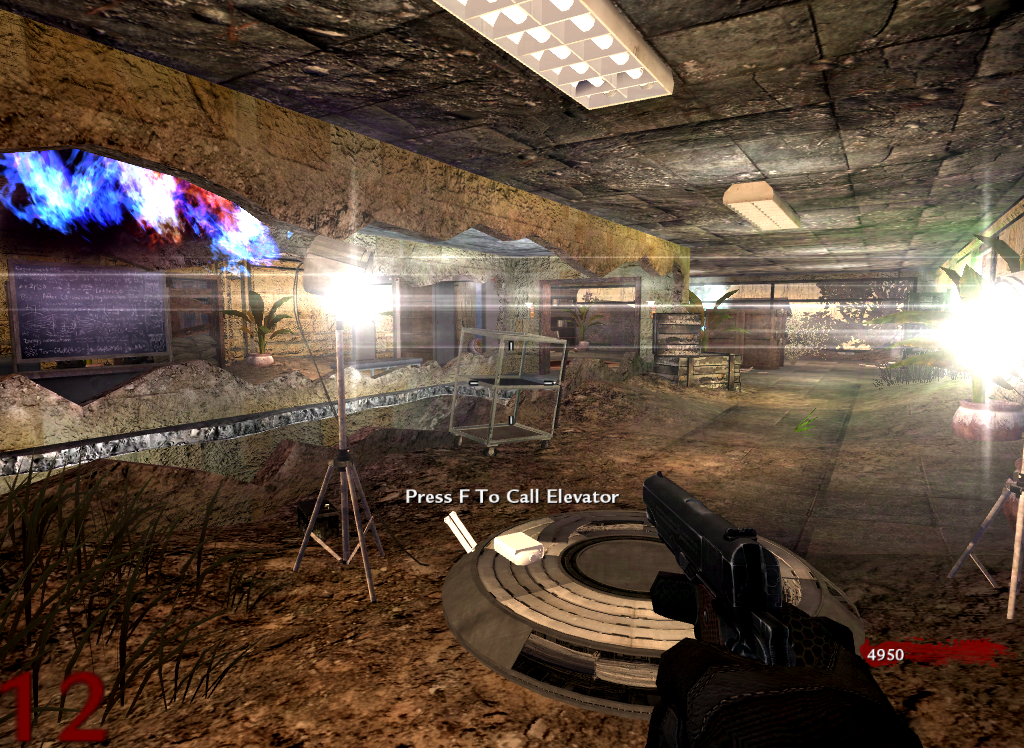
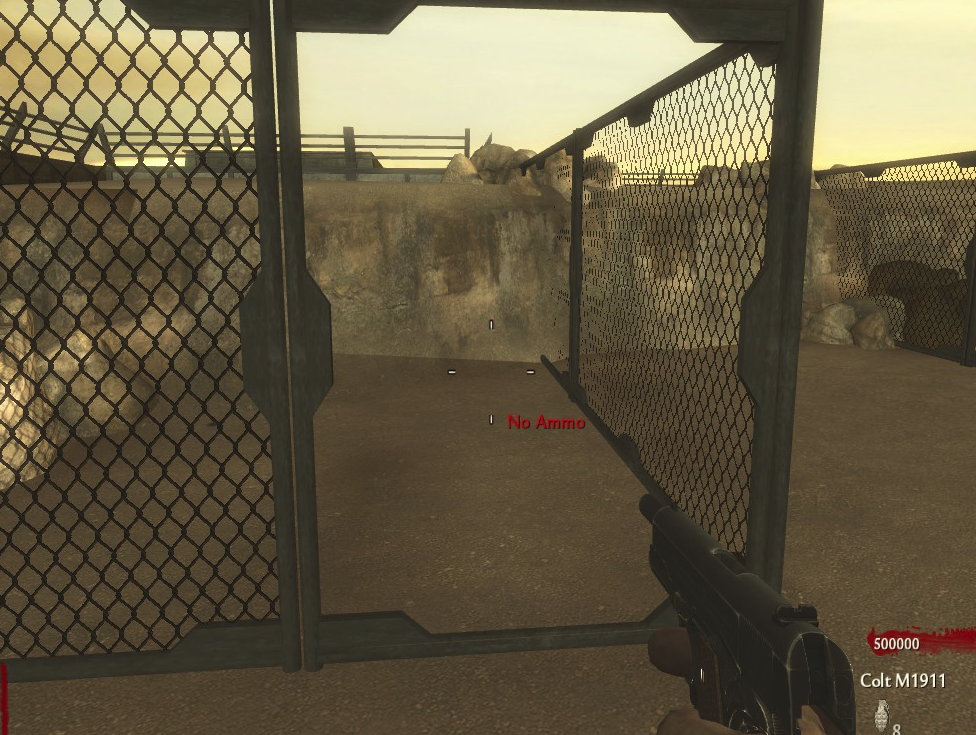
(You may have noticed that this is Firestorm- working fully for the first time in like 5 months  :lol:+ :yeah:.Never mind the orange tint, I was just messing around w/ ambient light, I've got some more work to do on it though!)
broken avatar :(
×
broken avatar :(
RadihaX
Location: caCanada
Date Registered: 2 September 2012
Last active: 5 years ago
Posts
978
Respect
Forum Rank
The Decider
Primary Group
Mapper Elite
My Groups
More
My Contact & Social Links
More
Signature
Overrun
Lockdown
Overrun (Black Ops Mod)
Snowglobe
Leviathan
Abandoned School
Ski Resort
Leviathan Redux
×
JBird632's Groups
Donator ♥ Benevolent Soul who has our eternal gratitude and exclusive access to betas and the donator section of the forum.
UGX V.I.P.
UGX V.I.P.
Mapper Elite Has shown excellence and experience in the area of custom mapping in the UGX-Mods community.
Scripter Elite Has shown excellence and experience in the area of custom scripting in the UGX-Mods community.
BO3 Modtools Alpha
BO3 Modtools Alpha
This user has access to the Black Ops 3 Modtools Alpha
JBird632's Contact & Social LinksJBird632JBird632JBird632JBird632JBird632Mapper
The first picture is due to the terrain patch not being properly mapped or stretching the texture too much. I would suggest using the "Surface inspector" and playing around with the settings in there, I tend to use Lmap for the majority of texturing.

Your second images where the patch is missing is usually caused by bush, model, patch ... etc, intersecting or touching the patch. Best way to get around this would be to select the patch and in the grid view, right click and select "Make Non-Colliding". By doing so though, you will need to put a clip around it or you could just walk right through that patch.

Hope this helps.
broken avatar :(
×
broken avatar :(
drago
Location: mx
Date Registered: 5 July 2013
Last active: 7 years ago
Posts
941
Respect
Forum Rank
The Decider
Primary Group
Member
My Contact & Social Links
More
×
jjbradman's Groups
jjbradman's Contact & Social Linksjjbradmanjjbradmanjjbradman
yeah as jbird said try using lmap in surface inspector and also press "shift+L" in radiant an try to make all the grey squares the same size using surface inspector
and maybe try making smaller patchs just cut that patch in the part where the rocks are so it is an smaller patch, i hear that sometimes really big patches have problems with lighting
broken avatar :(
×
broken avatar :(
Location: ie
Date Registered: 20 July 2013
Last active: 7 years ago
Posts
283
Respect
Forum Rank
Mr. Elemental
Primary Group
Member
My Contact & Social Links
More
Personal Quote
Pro Mapper in Training
×
RonanMerriman's Groups
RonanMerriman's Contact & Social Linksmerrimand8ronan_merrimanmerrimand8
The first picture is due to the terrain patch not being properly mapped or stretching the texture too much. I would suggest using the "Surface inspector" and playing around with the settings in there, I tend to use Lmap for the majority of texturing.

Your second images where the patch is missing is usually caused by bush, model, patch ... etc, intersecting or touching the patch. Best way to get around this would be to select the patch and in the grid view, right click and select "Make Non-Colliding". By doing so though, you will need to put a clip around it or you could just walk right through that patch.

Hope this helps.


Thanks, I'll see what it's like in game... hopefully. My cod2map is being a little bitch a crashing when I compile  :'(.

 
Loading ...