Login Issues
Forgot password?Activate Issues
Account activation email not received? Wrong account activation email used?Other Problems?
Contact Support - Help Center Get help on the UGX Discord. Join it now!



 Reply
Reply RonanMerriman
  | http://ugx-mods.com/forum/index.php?topic=1439.0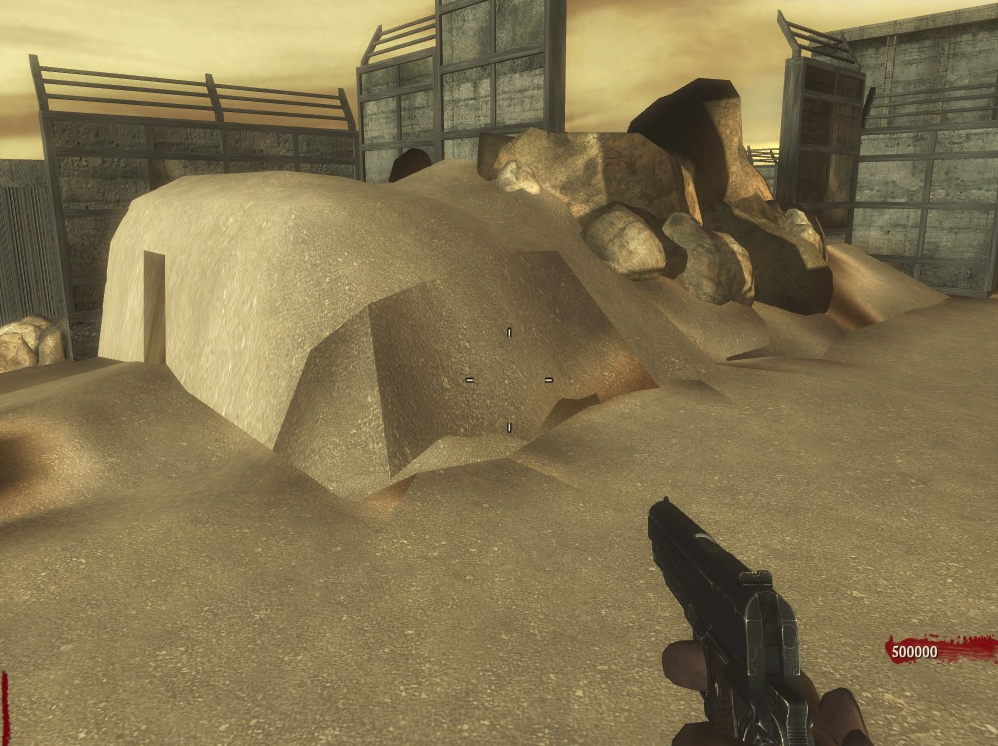
 +
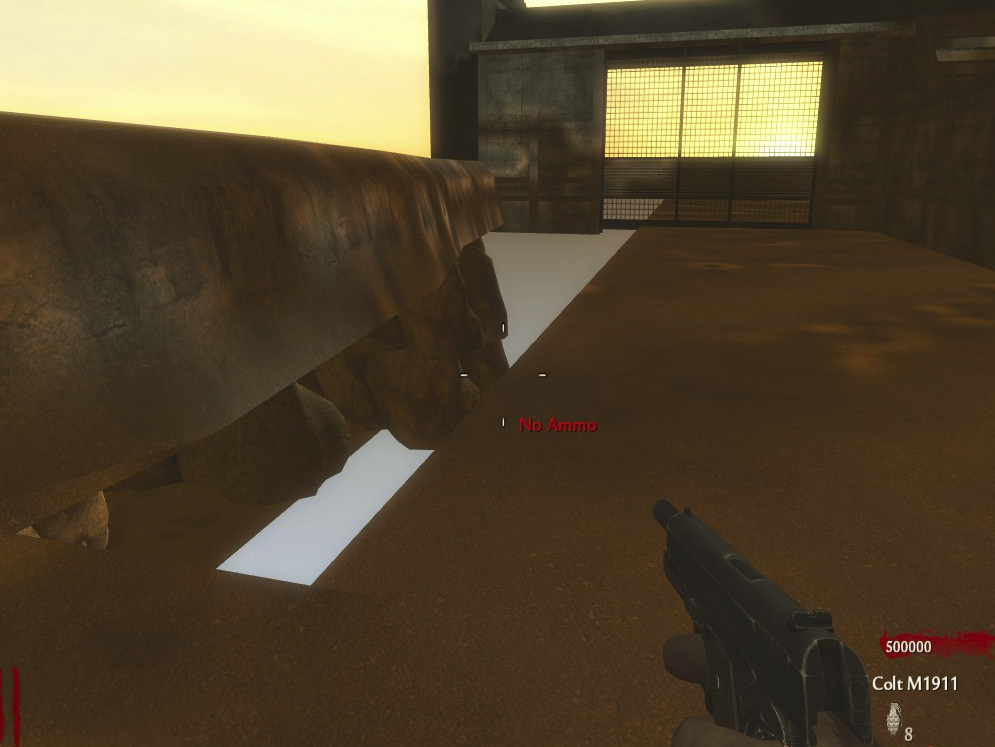
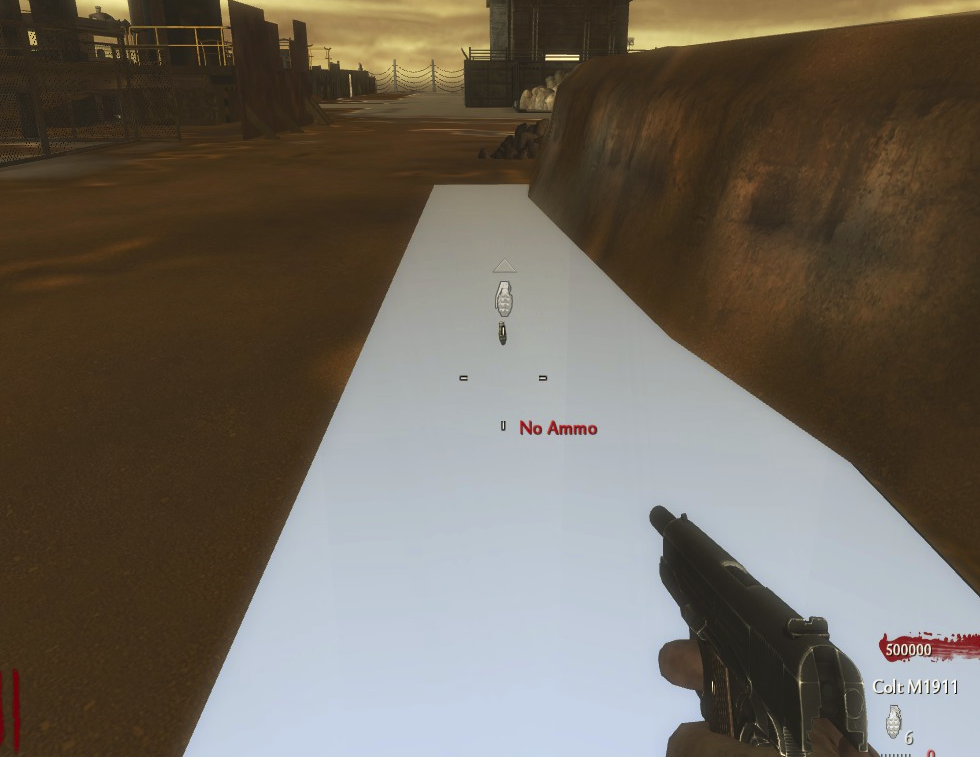
+  .Never mind the orange tint, I was just messing around w/ ambient light, I've got some more work to do on it though!)Reply


 | Benevolent Soul who has our eternal gratitude and exclusive access to betas and the donator section of the forum. |
 UGX V.I.P. | |
 | Has shown excellence and experience in the area of custom mapping in the UGX-Mods community. |
 | Has shown excellence and experience in the area of custom scripting in the UGX-Mods community. |
BO3 Modtools Alpha | This user has access to the Black Ops 3 Modtools Alpha |
ReplyReply RonanMerriman The first picture is due to the terrain patch not being properly mapped or stretching the texture too much. I would suggest using the "Surface inspector" and playing around with the settings in there, I tend to use Lmap for the majority of texturing.
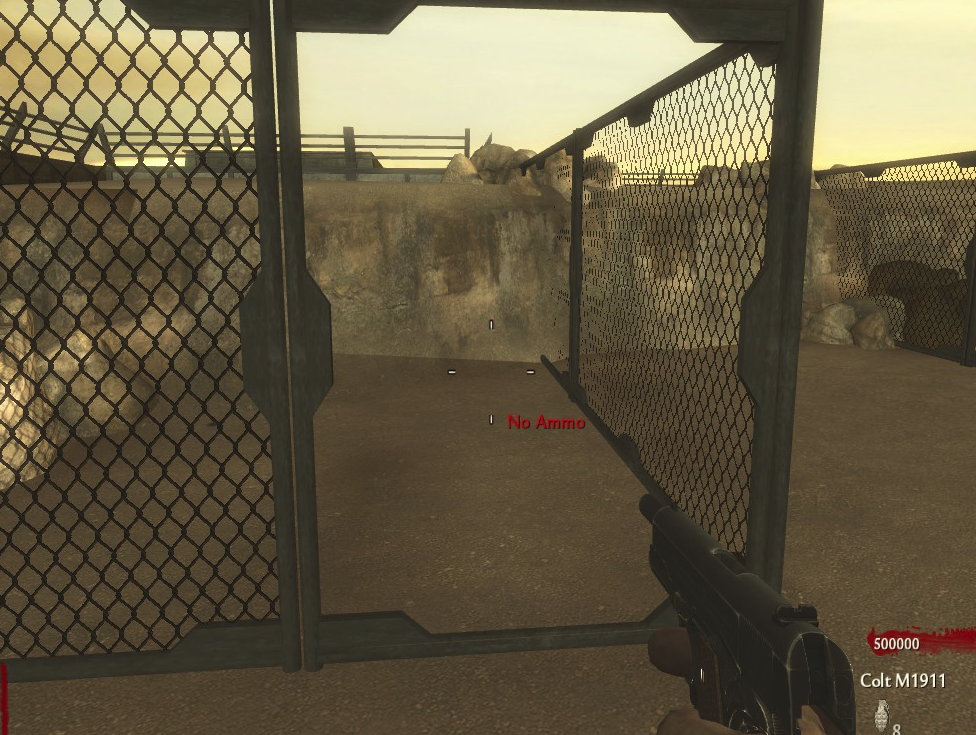
Your second images where the patch is missing is usually caused by bush, model, patch ... etc, intersecting or touching the patch. Best way to get around this would be to select the patch and in the grid view, right click and select "Make Non-Colliding". By doing so though, you will need to put a clip around it or you could just walk right through that patch.
Hope this helps.
 .ReplyReply
 Canada