UGX-Mods Login

or login with an authentication provider below
Sign In with Google
Sign In with Twitter
Sign In with Discord
Sign In with Steam
Sign In with Facebook
Sign In with Twitch

Showing Outlines/models through brushes?

broken avatar :(
Created 12 years ago
by mrpeanut188
0 Members and 1 Guest are viewing this topic.
3,857 views
broken avatar :(
×
broken avatar :(
Location: usCali(fornia)
Date Registered: 21 December 2013
Last active: 6 years ago
Posts
417
Respect
Forum Rank
Perk Hacker
Primary Group
Member
My Contact & Social Links
More
Signature
The sound of God is the screech of tires, lights and magnets, bolts and wires. Strayed from the road, this very one, still to come. The sound of tires is the sound of God, the electric version.
×
mrpeanut188's Groups
mrpeanut188's Contact & Social Linksmrpeanut188mrpeanut1881337p34nut
http://www.youtube.com/watch?v=I-whR8UrM0w

That's an demo of a custom glow script for Left 4 Dead 2, changing some of the glowing outlines. Notice how the glow stays on-screen even when the object is behind a wall, highlighting it's location for players to find.  Is there any way to do this in the W@W engine? I can create the glow, but how can I get it to register on the screen at tall times, regardless of the player location?
broken avatar :(
×
broken avatar :(
drago
Location: mx
Date Registered: 5 July 2013
Last active: 7 years ago
Posts
941
Respect
Forum Rank
The Decider
Primary Group
Member
My Contact & Social Links
More
×
jjbradman's Groups
jjbradman's Contact & Social Linksjjbradmanjjbradmanjjbradman
noup. even glow without a wall in the middle its a joke in waw engine.
broken avatar :(
×
broken avatar :(
Location: usCali(fornia)
Date Registered: 21 December 2013
Last active: 6 years ago
Posts
417
Respect
Forum Rank
Perk Hacker
Primary Group
Member
My Contact & Social Links
More
×
mrpeanut188's Groups
mrpeanut188's Contact & Social Linksmrpeanut188mrpeanut1881337p34nut
noup. even glow without a wall in the middle its a joke in waw engine.
Doesn't have to be real glow, thinking maybe a simple HUD element like the 'REVIVE' icon that show up on screen. That would suffice, it would show players what they are looking for.
broken avatar :(
  • n123q45
  • Deleted Member
×
broken avatar :(
n123q45
This user is deleted :(
Doesn't have to be real glow, thinking maybe a simple HUD element like the 'REVIVE' icon that show up on screen. That would suffice, it would show players what they are looking for.
a outline is impossible to make it see though, but there are material types that allow the model to be see through walls... i reccomend just messing around with the material types untill you find one you like. As for hud elements... http://www.zeroy.com/script/hud/setwaypoint.htm  that is how they do the revive icon
Last Edit: August 17, 2014, 06:11:04 am by n123q45
broken avatar :(
×
broken avatar :(
Location: usCali(fornia)
Date Registered: 21 December 2013
Last active: 6 years ago
Posts
417
Respect
Forum Rank
Perk Hacker
Primary Group
Member
My Contact & Social Links
More
×
mrpeanut188's Groups
mrpeanut188's Contact & Social Linksmrpeanut188mrpeanut1881337p34nut
a outline is impossible to make it see though, but there are material types that allow the model to be see through walls...
Not that hard to make the outline a model. How can I do this with the materials?

i reccomend just messing around with the material types untill you find one you like. As for hud elements...
More info plz.
broken avatar :(
×
broken avatar :(
drago
Location: mx
Date Registered: 5 July 2013
Last active: 7 years ago
Posts
941
Respect
Forum Rank
The Decider
Primary Group
Member
My Contact & Social Links
More
×
jjbradman's Groups
jjbradman's Contact & Social Linksjjbradmanjjbradmanjjbradman
what n1 says is that a model can be made to be see-through walls by using some material(not sure which or if what he says is right) but anyways the model would always be visible. also if you make an hud waypoint it wouldnt be dynamic(it would be an static image).
broken avatar :(
  • n123q45
  • Deleted Member
×
broken avatar :(
n123q45
This user is deleted :(
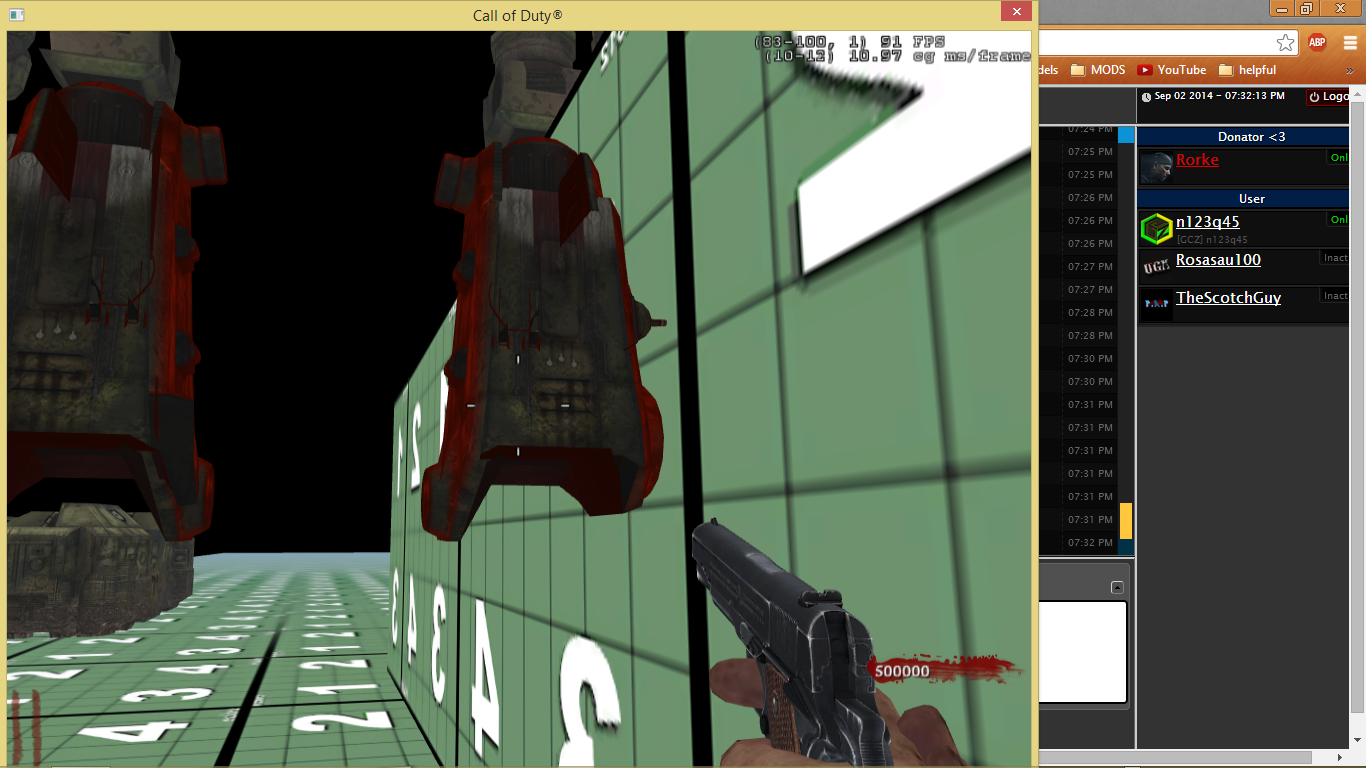
yes jj is right. the thing is though... you can make the model change if the player is x distance away from it... which would make it so u dont see it through the whole map. heres an example of what it would look like... of corse it all depends on the material u use
Last Edit: August 17, 2014, 07:52:38 pm by n123q45
broken avatar :(
×
broken avatar :(
Location: usCali(fornia)
Date Registered: 21 December 2013
Last active: 6 years ago
Posts
417
Respect
Forum Rank
Perk Hacker
Primary Group
Member
My Contact & Social Links
More
×
mrpeanut188's Groups
mrpeanut188's Contact & Social Linksmrpeanut188mrpeanut1881337p34nut
yes jj is right. the thing is though... you can make the model change if the player is x distance away from it... which would make it so u dont see it through the whole map. heres an example of what it would look like... (Image removed from quote.)
All the parts of the post I'm discarding.

of corse it all depends on the material u use
This is all i've been asking I already know about LOD and model swapping.
broken avatar :(
  • n123q45
  • Deleted Member
×
broken avatar :(
n123q45
This user is deleted :(
All the parts of the post I'm discarding.
This is all i've been asking I already know about LOD and model swapping.
LOD wouldnt work in this case... there would need to be 2 versions of the model with 2 versions of the material. So this would have to be done via scripting
broken avatar :(
×
broken avatar :(
Location: usCali(fornia)
Date Registered: 21 December 2013
Last active: 6 years ago
Posts
417
Respect
Forum Rank
Perk Hacker
Primary Group
Member
My Contact & Social Links
More
×
mrpeanut188's Groups
mrpeanut188's Contact & Social Linksmrpeanut188mrpeanut1881337p34nut
LOD wouldnt work in this case... there would need to be 2 versions of the model with 2 versions of the material. So this would have to be done via scripting
OMFG... WHAT DO I HAVE TO DO TO THE MATERIAL! WHAT DO YOU NOT UNDERSTAND?!


 :'( :'( :'(

I don't understand if I can be ANY MORE CLEAR TO YOU, I JUST NEED TO KNOW THE MATERIAL TO USE.
broken avatar :(
  • n123q45
  • Deleted Member
×
broken avatar :(
n123q45
This user is deleted :(
the ting is... no one remembers which one to use. Most people find that on accident. We have been saying find it yourself. We told u where to look
broken avatar :(
  • n123q45
  • Deleted Member
×
broken avatar :(
n123q45
This user is deleted :(
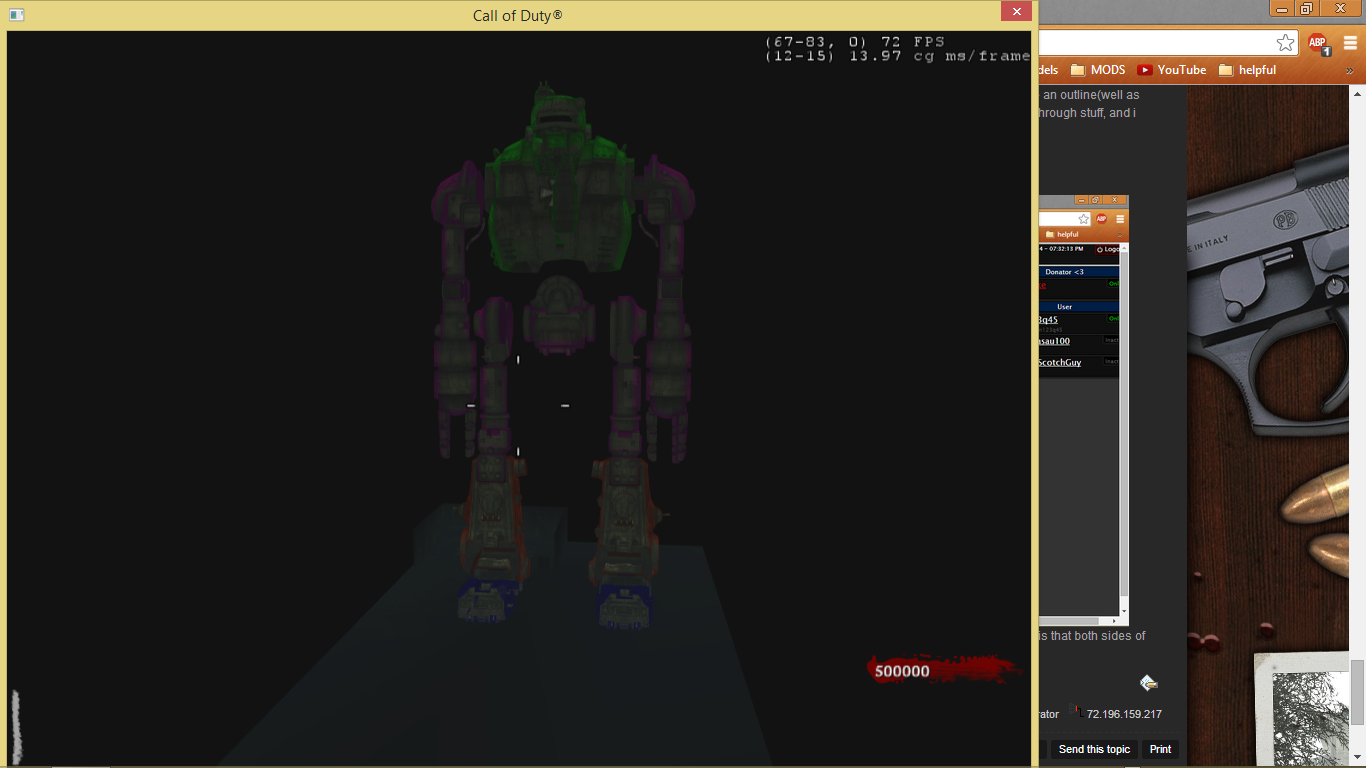
not to revive an old topic, but i think i may have stumbled around on a way to do it. well... i have found out a way to make it have an outline(well as close as you can get with using waw engine and not a custom model ), now all i have to do is figure out how to make it seen through stuff, and i think i may have a way of doing it.

EDIT ===============>
I got it working :)

this is the closest you can get in waw. yes this rotates on the model, and yes you can change the color. the only issue i found is that both sides of the model are visible as u can sort of see in the picture ( aka the front shows up a bit when your looking the back and so so )
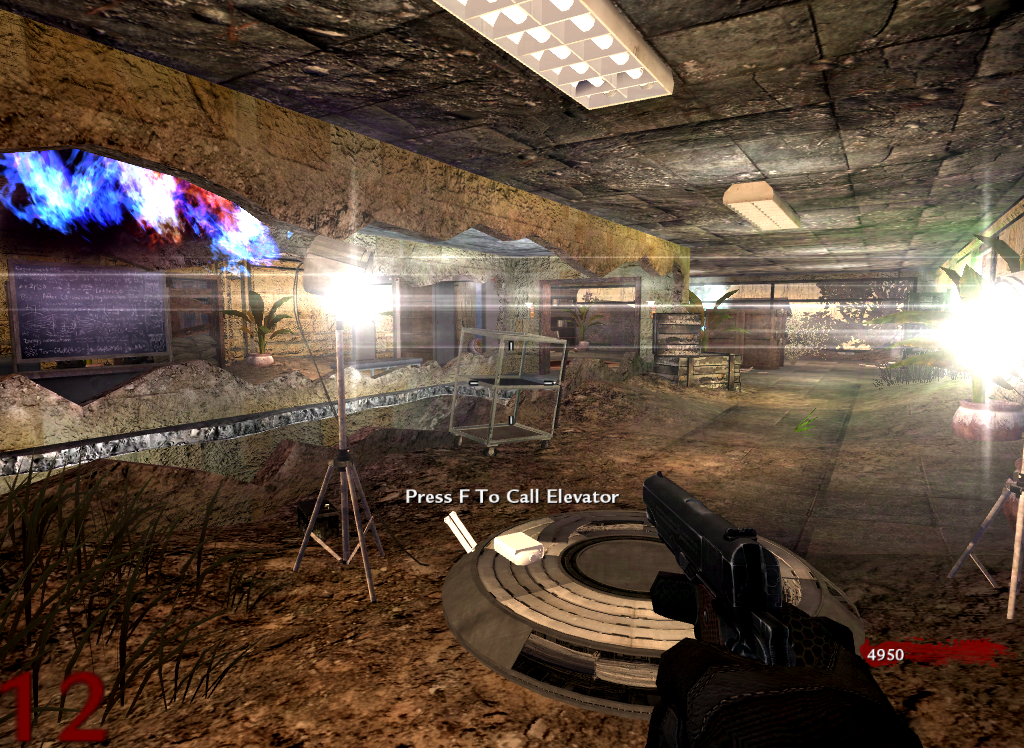
examples of diffrent colors ( if only origins' ones looked like this :troll: )
Last Edit: September 02, 2014, 11:53:59 pm by n123q45

 
Loading ...